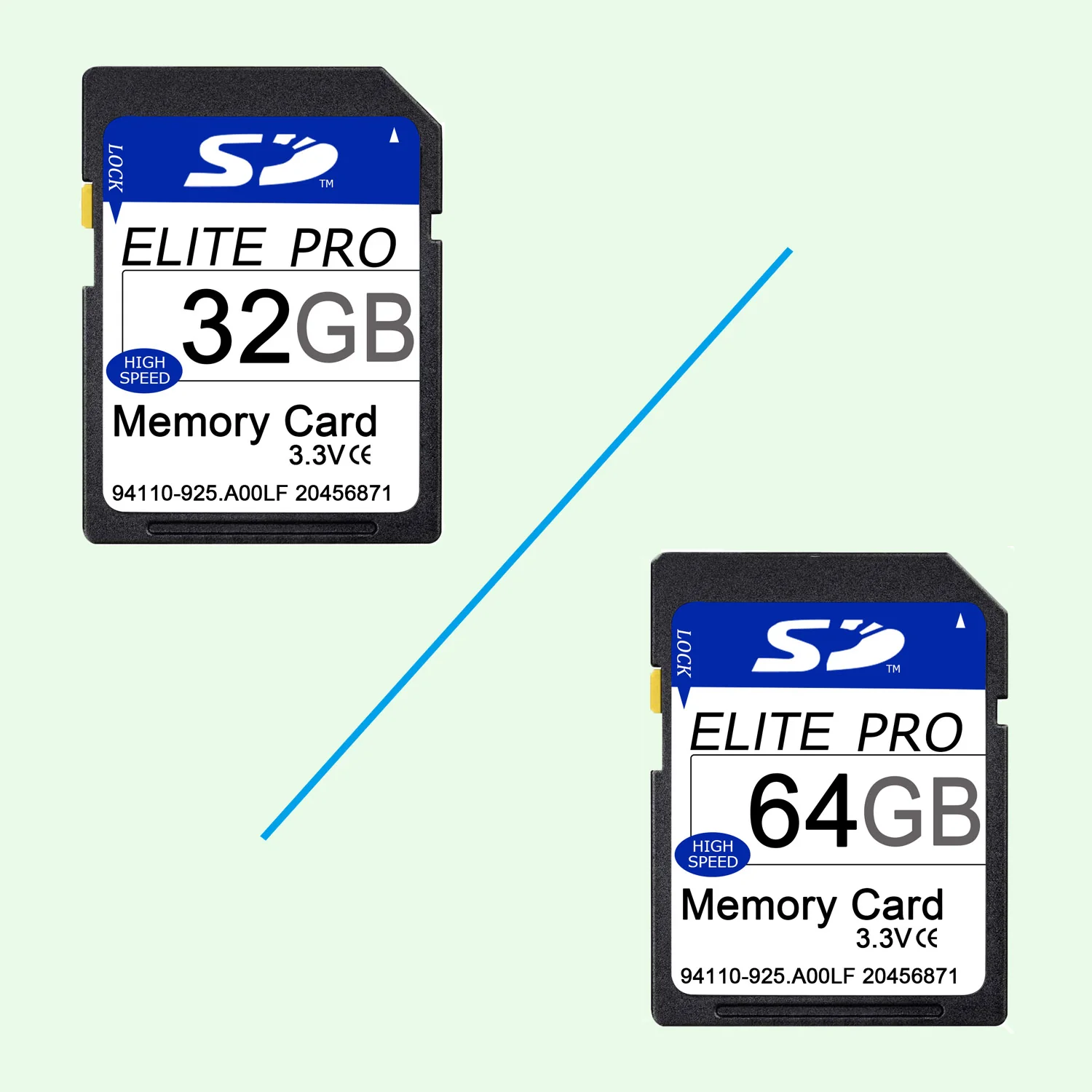
Game Trail Camera Ultra Class 10 SDXC Memory Card
A great choice for your Blaze Video outdoor camera
High transfer speeds of up to 80MB / s to record those moments
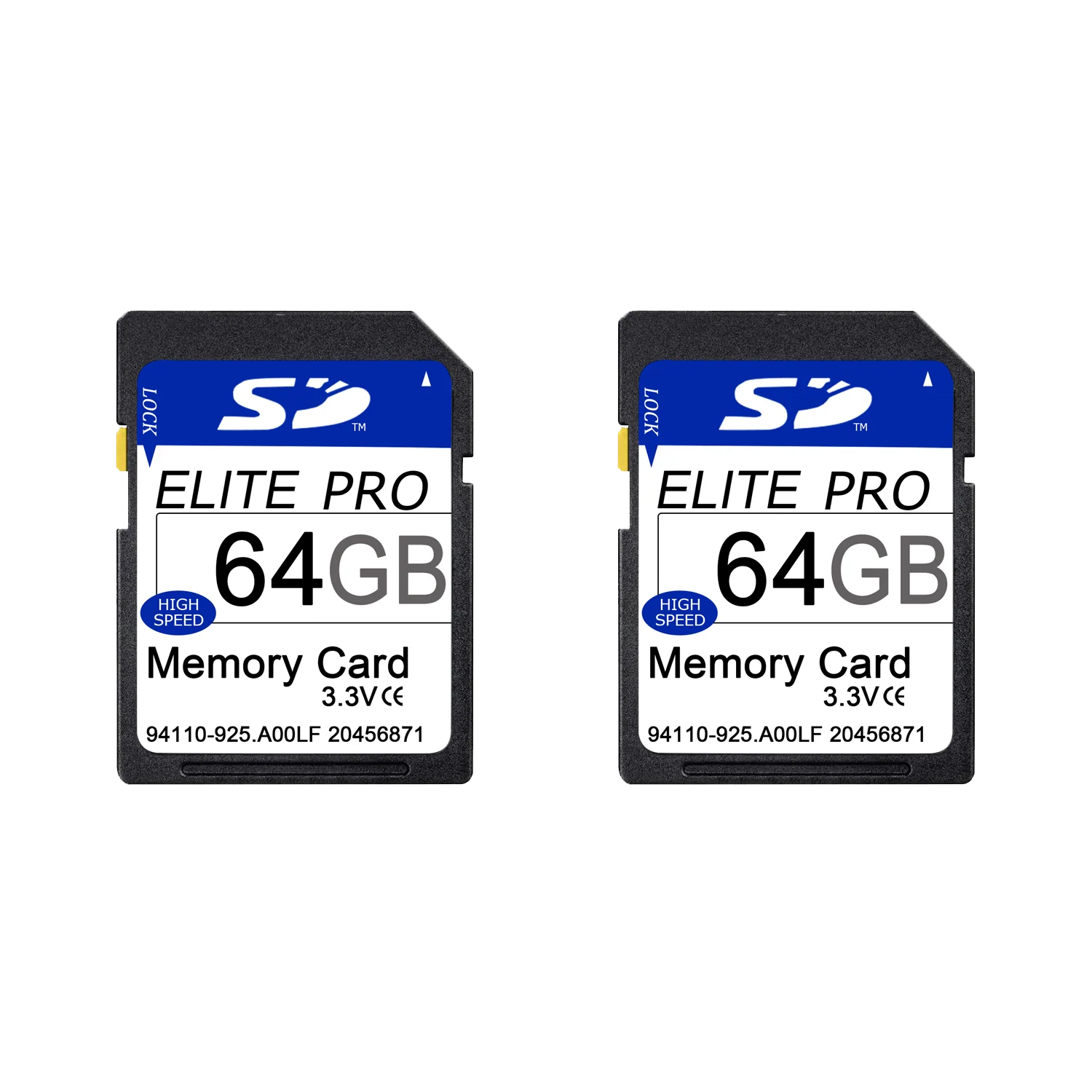
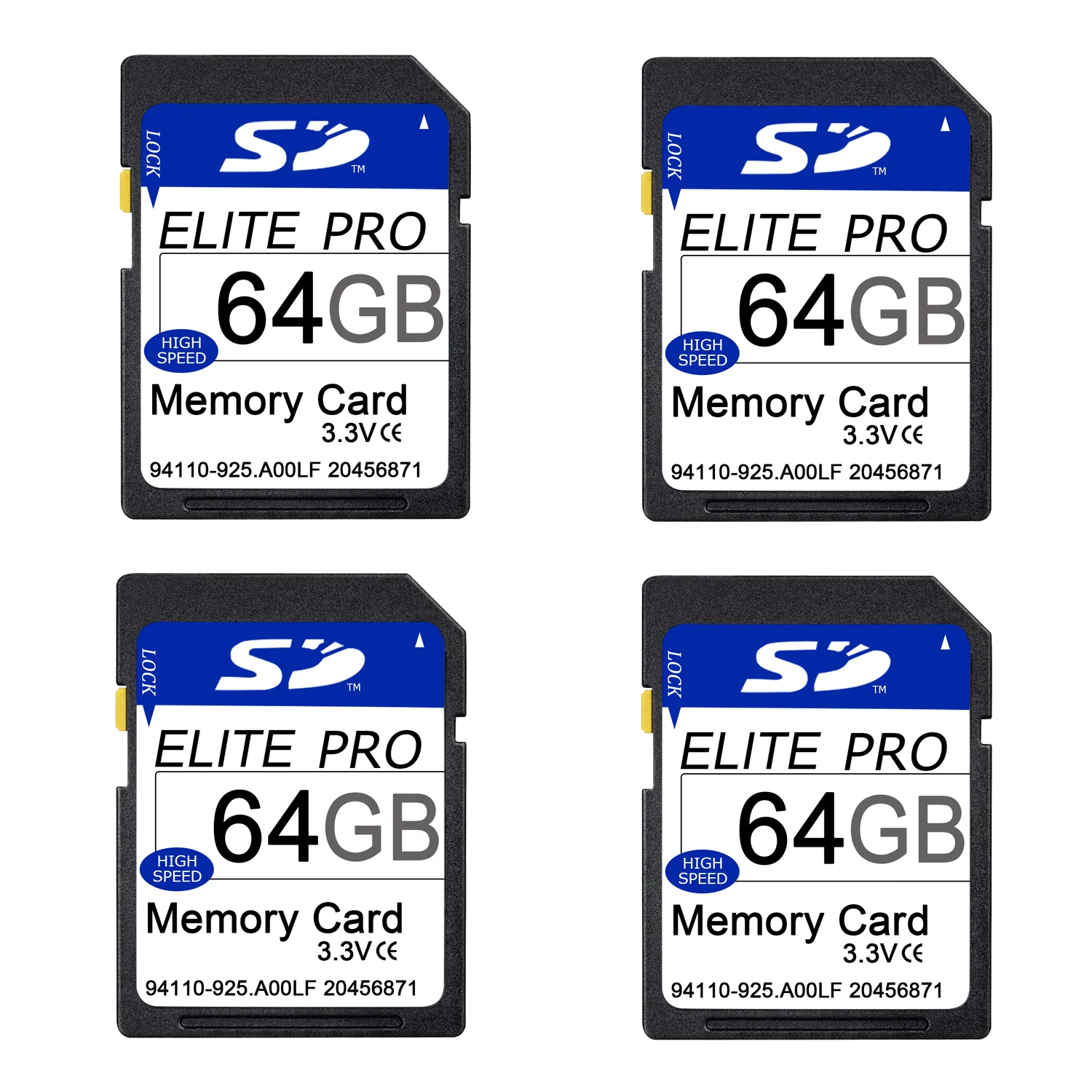
Up to 64 GB to store tons of photos and even more Full HD videos
Exceptional video recording performance with Class 10 speed class for Full HD (1080p) videos
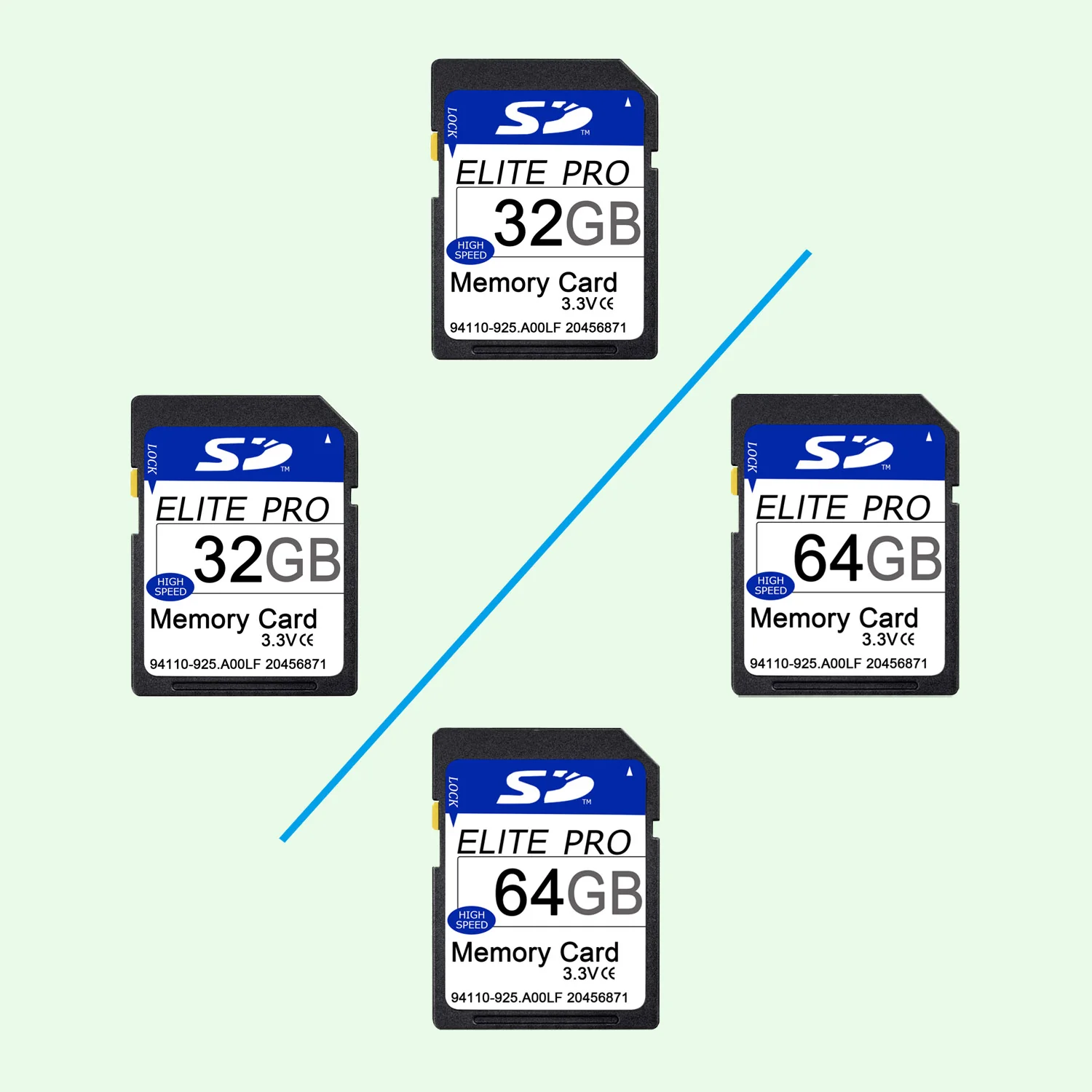
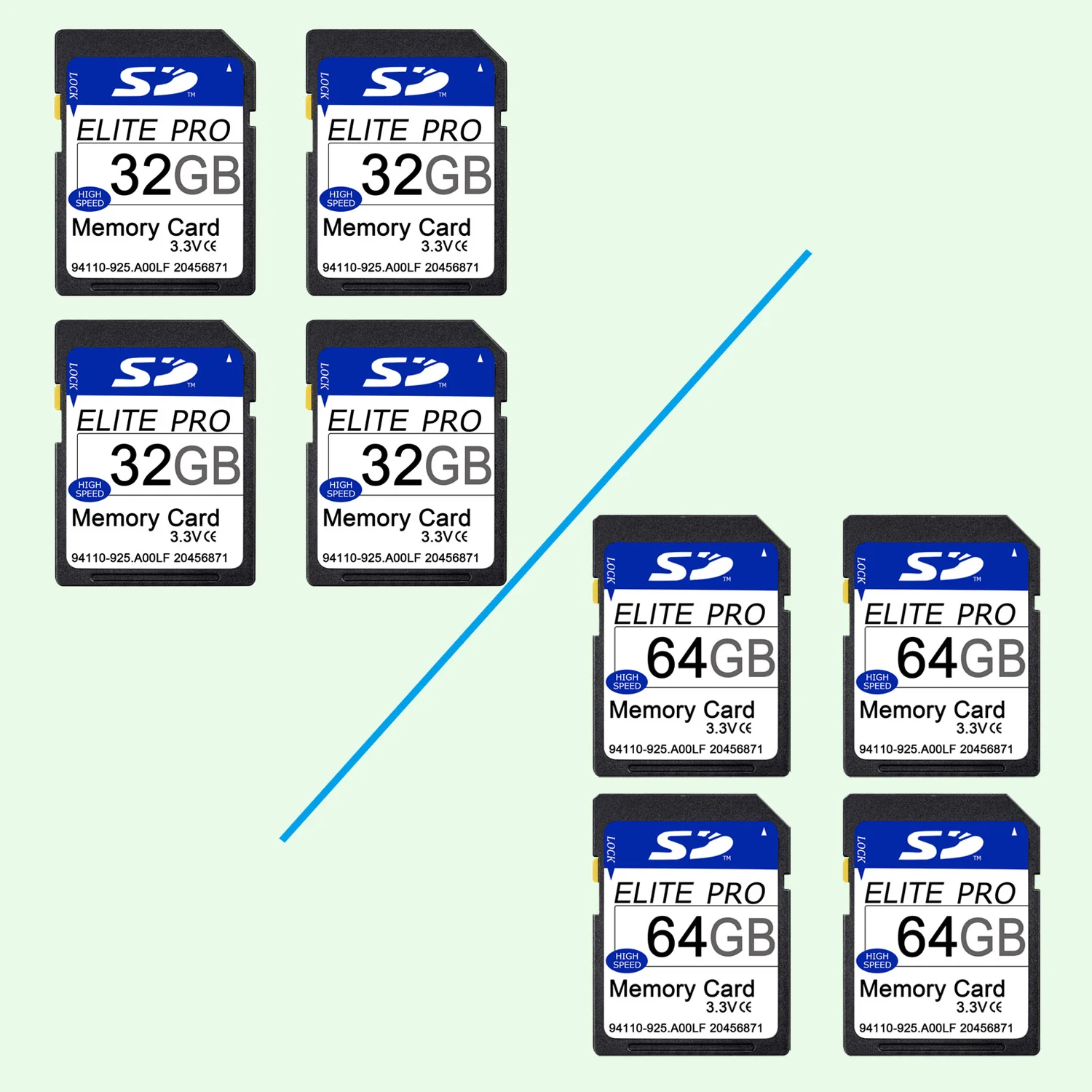
Memory storage capacity: 32GB / 64GB / 128GB
Regarding the actual capacity: Due to the difference between the capacity calculation standards between the manufacturer and the equipment used, the actual capacity of any digital storage product is less than the nominal capacity, generally about 90% of the nominal, which is completely normal.
Please refer to the actual capacity: 32G: 28-30G, 64G: 56-58G, 128G: 118-122G.
How to fix SD card when it shows "Please Insert the SD Card" or "The inserted disk is unrecognizable by this computer"?
Please refer to this file to fix it: Fix SD card.
The format of most trail cameras uses is FAT32 format. If your SD card is 64GB or larger, it is likely be in the original format of exFAT or NTFS format, rather than FAT32. It is possible that the camera will not recognise it and you will need to format it to FAT32 in your computer first. Please refer to the document and format it to FAT32 format in your computer first. Once formatted, you will also need to reformat the SD card in the camera.
A great choice for your Blaze Video outdoor camera
High transfer speeds of up to 80MB / s to record those moments
Up to 64 GB to store tons of photos and even more Full HD videos
Exceptional video recording performance with Class 10 speed class for Full HD (1080p) videos
Memory storage capacity: 32GB / 64GB / 128GB
Regarding the actual capacity: Due to the difference between the capacity calculation standards between the manufacturer and the equipment used, the actual capacity of any digital storage product is less than the nominal capacity, generally about 90% of the nominal, which is completely normal.
Please refer to the actual capacity: 32G: 28-30G, 64G: 56-58G, 128G: 118-122G.
How to fix SD card when it shows "Please Insert the SD Card" or "The inserted disk is unrecognizable by this computer"?
Please refer to this file to fix it: Fix SD card.
The format of most trail cameras uses is FAT32 format. If your SD card is 64GB or larger, it is likely be in the original format of exFAT or NTFS format, rather than FAT32. It is possible that the camera will not recognise it and you will need to format it to FAT32 in your computer first. Please refer to the document and format it to FAT32 format in your computer first. Once formatted, you will also need to reformat the SD card in the camera.
Description
A great choice for your Blaze Video outdoor camera
High transfer speeds of up to 80MB / s to record those moments
Up to 64 GB to store tons of photos and even more Full HD videos
Exceptional video recording performance with Class 10 speed class for Full HD (1080p) videos
Memory storage capacity: 32GB / 64GB / 128GB
Regarding the actual capacity: Due to the difference between the capacity calculation standards between the manufacturer and the equipment used, the actual capacity of any digital storage product is less than the nominal capacity, generally about 90% of the nominal, which is completely normal.
Please refer to the actual capacity: 32G: 28-30G, 64G: 56-58G, 128G: 118-122G.
How to fix SD card when it shows "Please Insert the SD Card" or "The inserted disk is unrecognizable by this computer"?
Please refer to this file to fix it: Fix SD card.
The format of most trail cameras uses is FAT32 format. If your SD card is 64GB or larger, it is likely be in the original format of exFAT or NTFS format, rather than FAT32. It is possible that the camera will not recognise it and you will need to format it to FAT32 in your computer first. Please refer to the document and format it to FAT32 format in your computer first. Once formatted, you will also need to reformat the SD card in the camera.